enhancePlaces🍌 Nano Banana
One-Click Polish
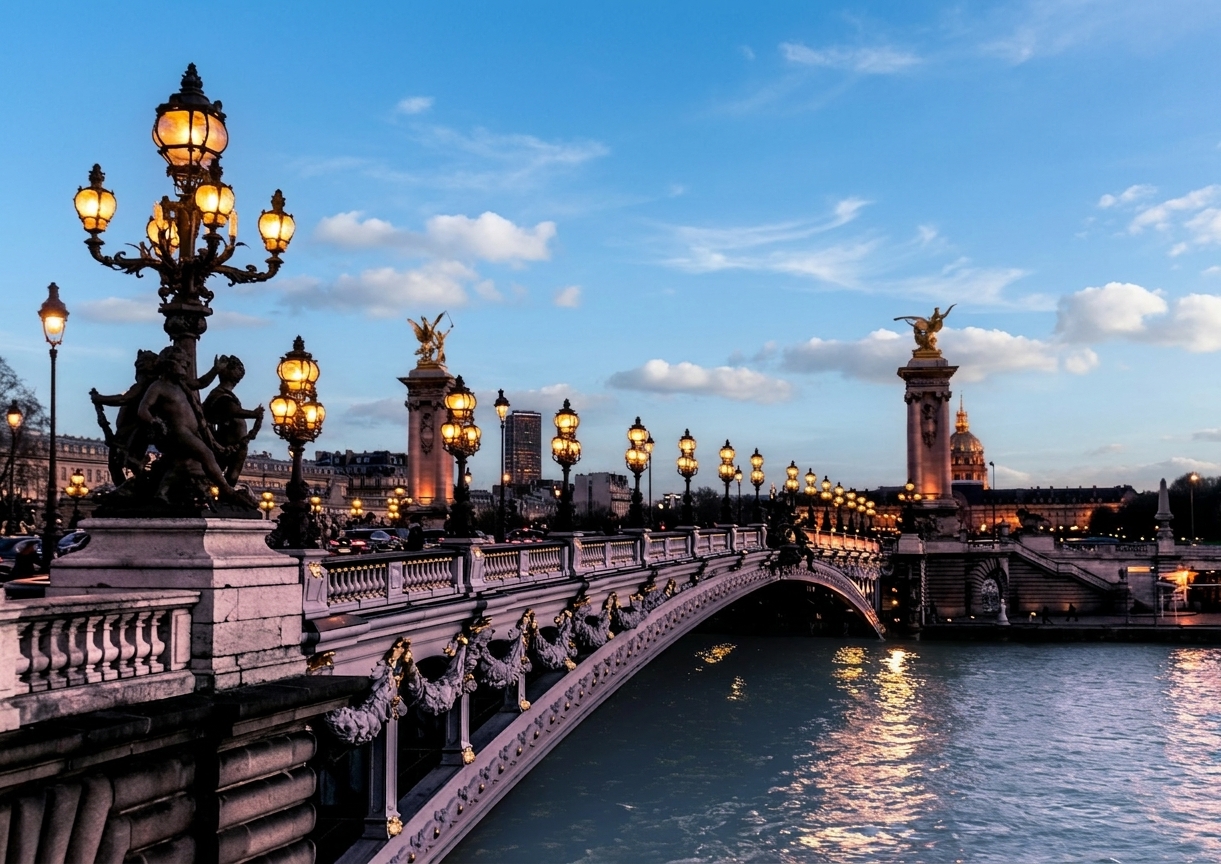
Dull photo → magazine-ready, same subject
BEFOREAFTER
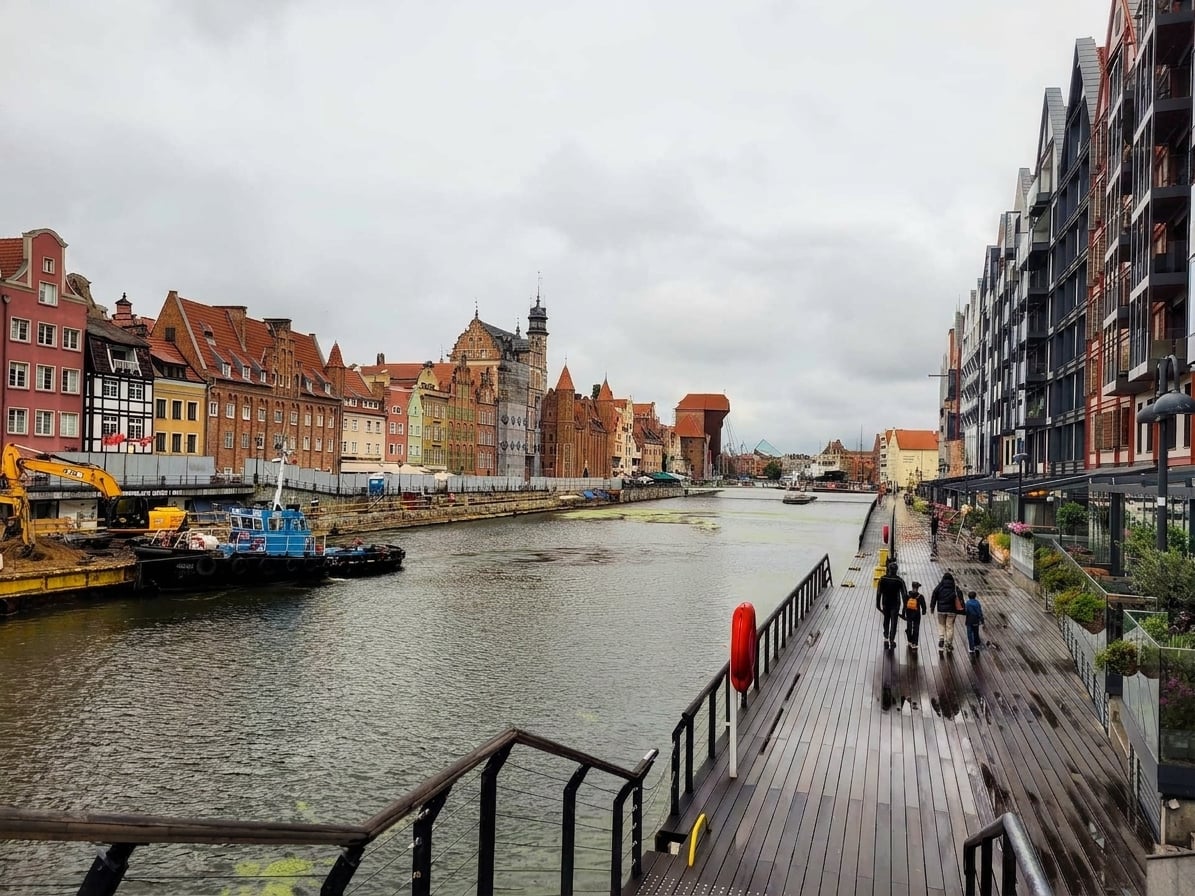
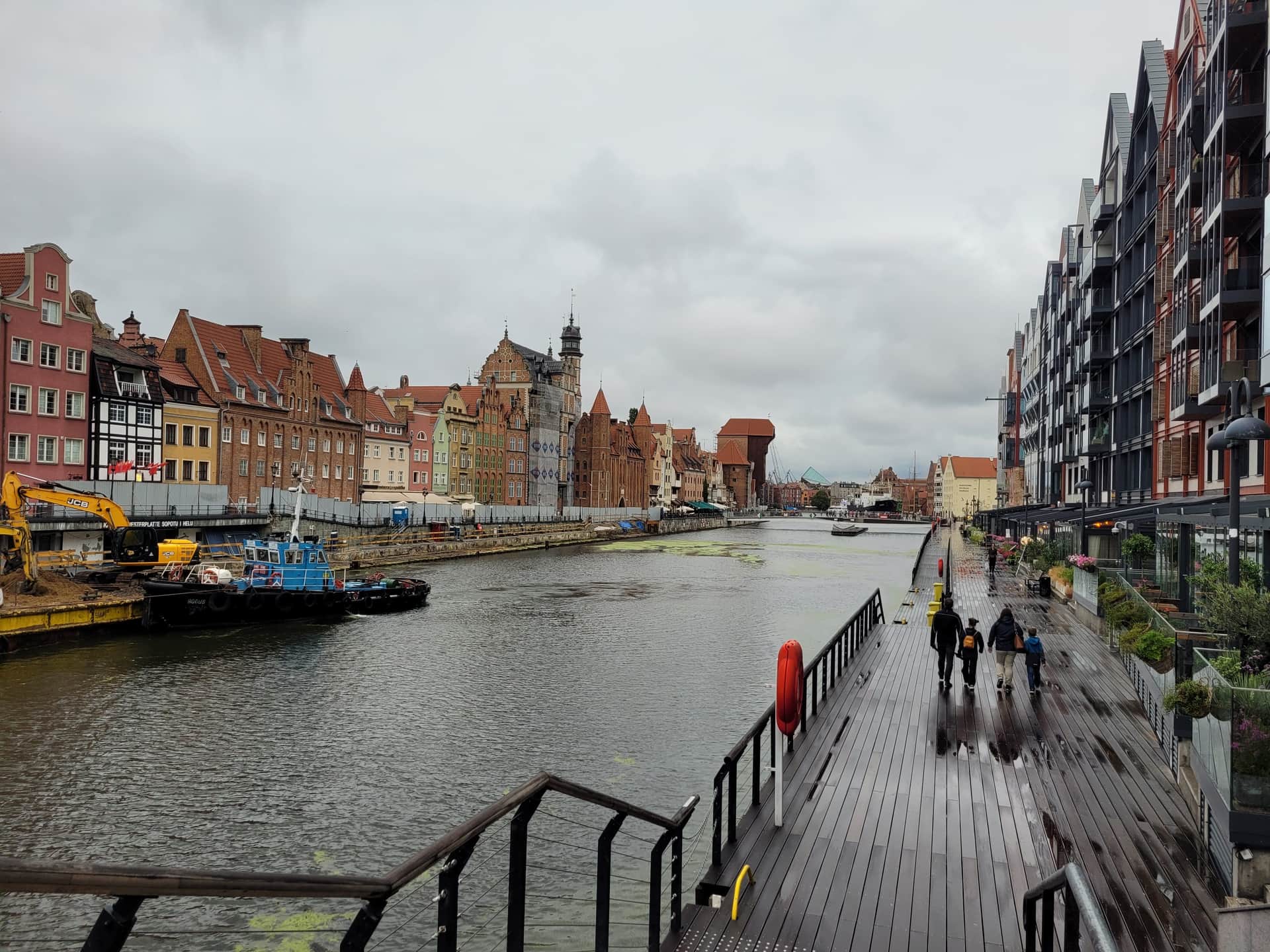
The prompt
Apply a general quality polish to this photo without changing its content.

# What to adjust
- Color grading: correct white balance, boost saturation slightly where muted, deepen rich colors (blues, greens, warm tones)
- Dynamic range: lift shadows to recover detail, recover highlights to reduce blown areas, gentle S-curve contrast
- Clarity: subtle sharpness on the in-focus subject, mild denoise on uniform smooth areas (skies, walls, out-of-focus regions)
- Mood: cohesive, magazine-ready look — neither flat nor over-processed; avoid HDR halos or oversaturated cartoon colors

# What to never change
- Composition, camera angle, framing, aspect ratio — pixel-identical crop
- Content: do NOT add or remove anything visible (people, objects, vehicles, architecture, vegetation)
- Time of day, weather, sky type — do NOT replace the sky or shift to golden hour
- Identity of any visible person — no face reshaping, no skin smoothing, no slimming

Target: a cleaner, richer version of the SAME photo. Think "RAW file post-processed by a skilled photographer", not "different photo of the same scene".

If the input is already well-graded (rich colors, balanced exposure, sharp), apply only minimal refinement. If the input has no visible content (pure black, blown-out, corrupt), return the input unchanged.
How to use
- 1.Click Copy prompt above.
- 2.Open Nano Banana (Gemini app) ↗
- 3.Upload your photo, paste the prompt, generate. About 45 seconds.
Nano Banana is Google's Gemini 2.5 Flash Image — a free AI image generator available in the Gemini app.
Use cases
- Salvage dull flat photos
- Consistent magazine-ready look across a gallery
- Quick pre-publish pass on any image
Also in Improve Your Photos
Want new prompts in your inbox?
Running 50+ tours?
Automate Travel Labs is one piece. See how the full platform systemizes your operation.
Explore Automate Travel →▸ Part of Automate Travel Labs